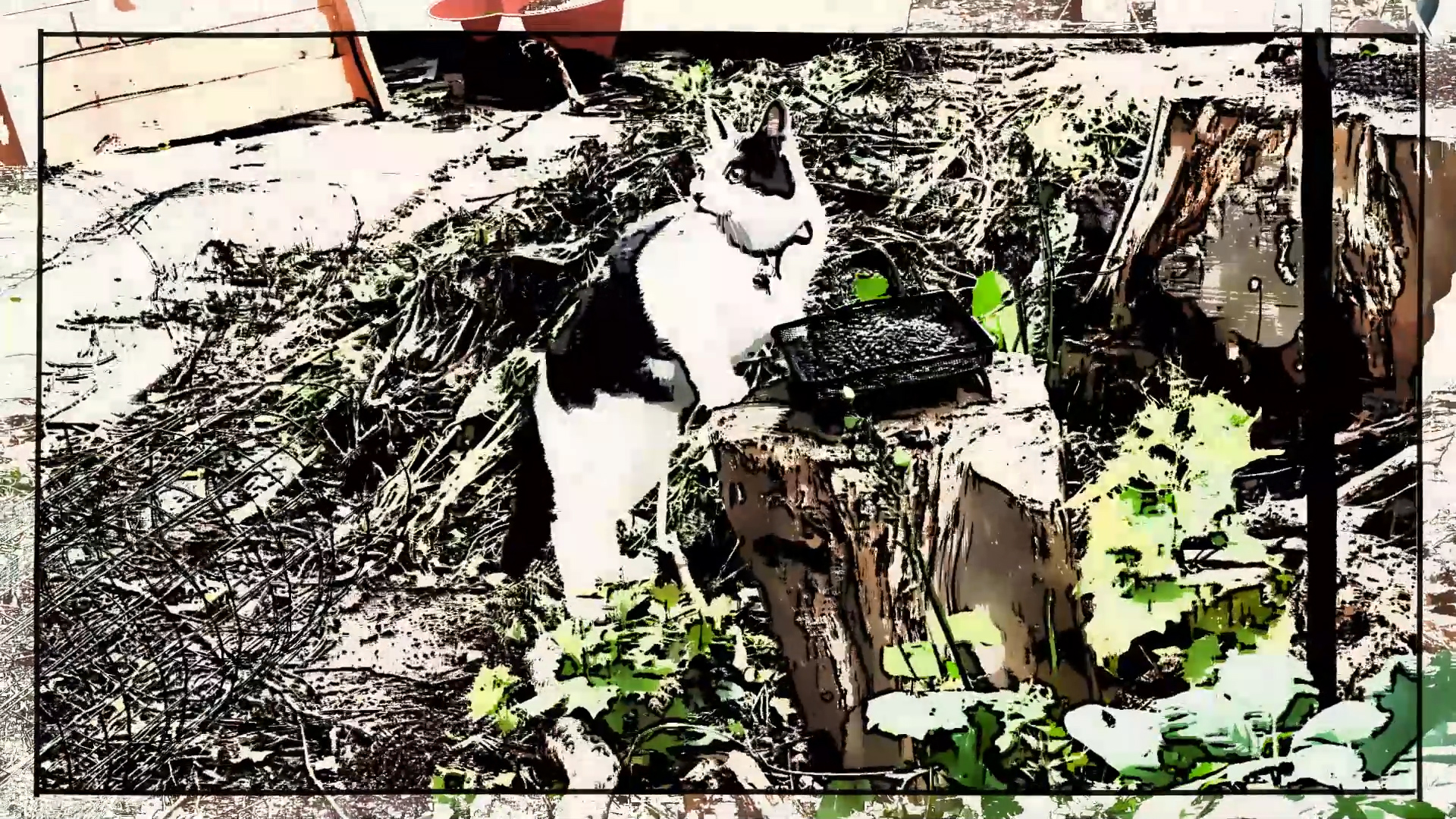
Project Type: 4_Digital Animation and Visual Culture

  • Assignment 4: Creation Art Effects: animated video essay

    Assignment 4: Creation Art Effects: animated video essay

    CREATION EFFECTS: DIGITAL SIMULATION OF ANALOGUE PROCESSES

    This essay is an animated exploration of Creation Effects templates for After Effects produced by Noel Powell. It follows my work on Project 4.2 ‘Teeto Times 2’ and the moving image experimentation for my SYP project ‘Quick Time Tales’.

    I started by editing a series of further short iPhone clips of ‘Teeto’ the cat next door in Adobe Premiere, linked to some Creative Writing about Teeto’s adventurous explorations. In Pemiere, I also add sound effects from the garden and a set of Blues music loops in Adobe Audition.

    Please see ‘The Cat Next Door’ SMUGMUG Gallery for preliminary sources and clips that will be further developed for VisCom SYP with a longer and more worked through video narrative based on the creative writing piece.

    My aim in this Assignment was to experiment further with Creative Art Effects templates applied to video footage as part of the module’s exploration of comparisons between analogue and digital styles and techniques. As well as the ways in which I could use Adobe Premiere for this type of video essay.

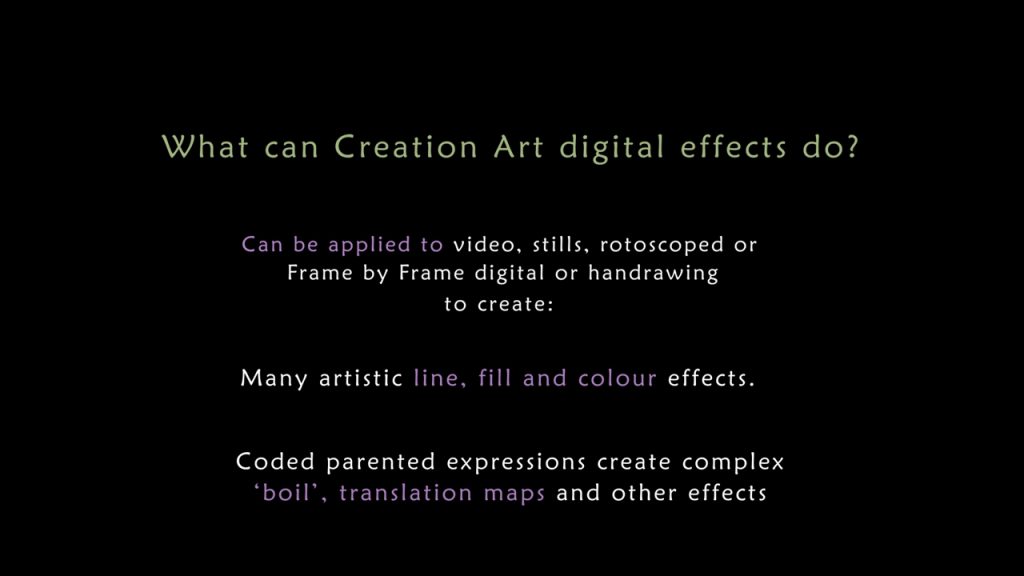
    I found the Creation Art Effects templates very interesting in the types of style that they could produce. Although I conclude that they do not replace analogue or Frame by Frame animation techniques, some very distinctive new art styles can be produced that are effective in their own right. Although so far I have only scratched the surface of what is possible.

    Applying Creation Art effects to video also enable me to extract action stills and illustrations from the video that would be much more difficult for me to do through sketching from life. For the text animation though After Effects would be better than Adobe Premiere – skills I plan to develop in future.

    TASK:
    Produce an animated video essay based on one of the broad themes you have explored within tricks and fakes or animation and visual culture in Part Four. This is a chance to demonstrate your knowledge and ability both in communicating using animated and video content as well as a chance to develop your own particular visual and stylistic approach. For example, compositing, morphing, image quality, absence and digital representation, erasure, re-focusing, social media, video games, corporate video, uncontrollable elements.

    • As a starting point, revisit the research you have produced in this part of the course unit by reading your learning log. Identify a theme you would like to develop further, or identify new ideas that might fit within these themes.
    • Like a written essay, an animated essay should present a point of view or argument, persuading your audience one way or the other. This can be done through the use of audio with supporting images, animations and videos.
    • You may want to record a voiceover sound for this project, use subtitles, or find another way of presenting information in an engaging way.
    • Research your topic by developing a file of source footage and images, and writing a short text to help structure your essay.
    • Build up your sequences from source imagery, your own animation, and by laying down any audio in your editing software. If applicable you can build on videos that you have made earlier in this part. You can use any sources you can find as long as you credit them and password protect your final video if necessary.
    • Edit a final version of your video and upload onto your learning log. Post a link to your blogpost (and password if used) on the OCA discuss forums for other animation students to view. Write a short reflection on your final piece and the process of making it, drawing on any feedback from other students as well.

    For more action stills from the video effects see SMUGMUG Action Stills Gallery

    Summary Overview
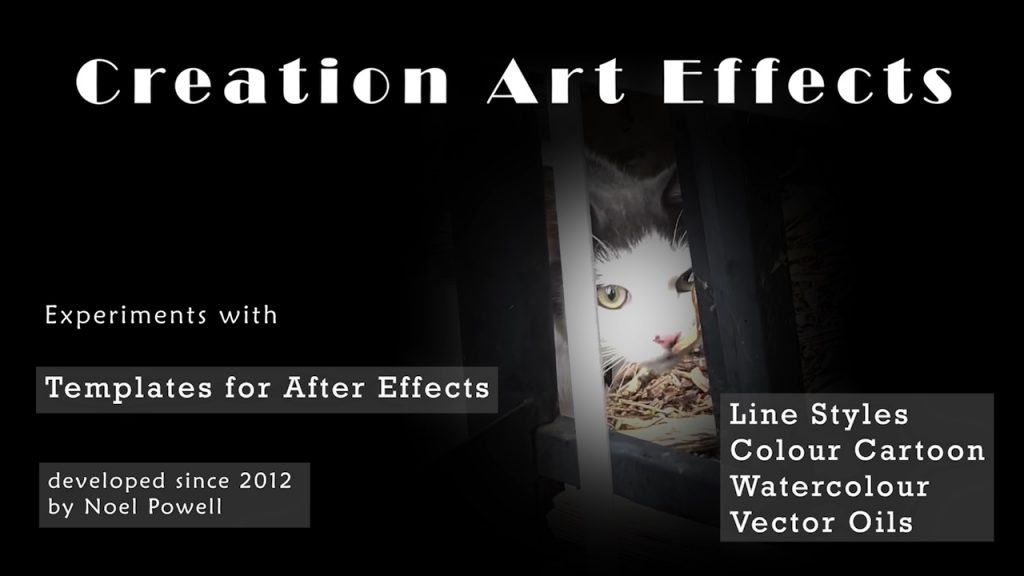
    I experimented with different presets and settings of the templates, particularly for line styles, colour cartoon effects, watercolour and oil painting styles. For examples of the vector illustration examples please see the pdf of the Excel sheet on the right. Details of experiments with the other styles are still to be written up, but the settings I chose are shown in the animated video.
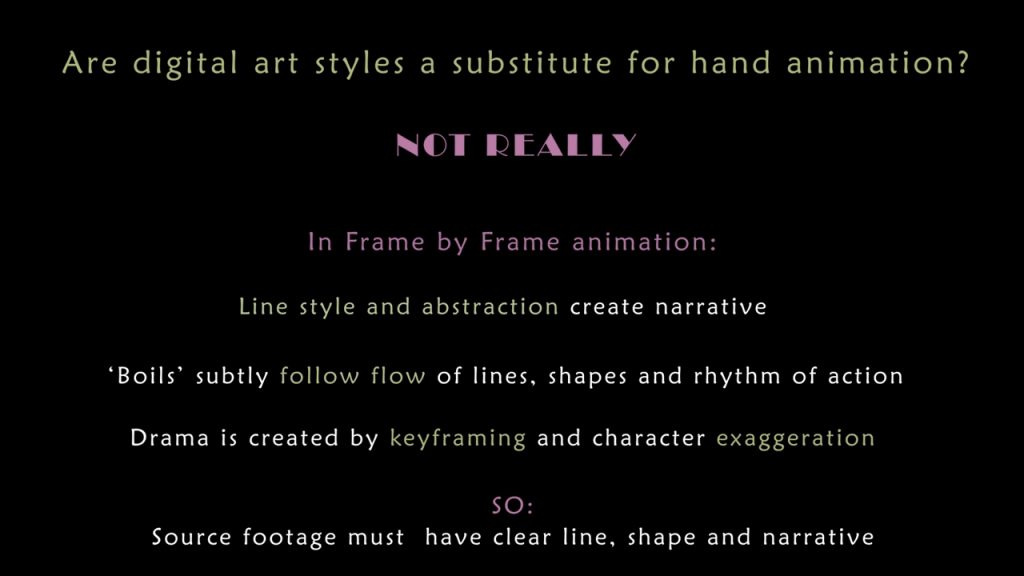
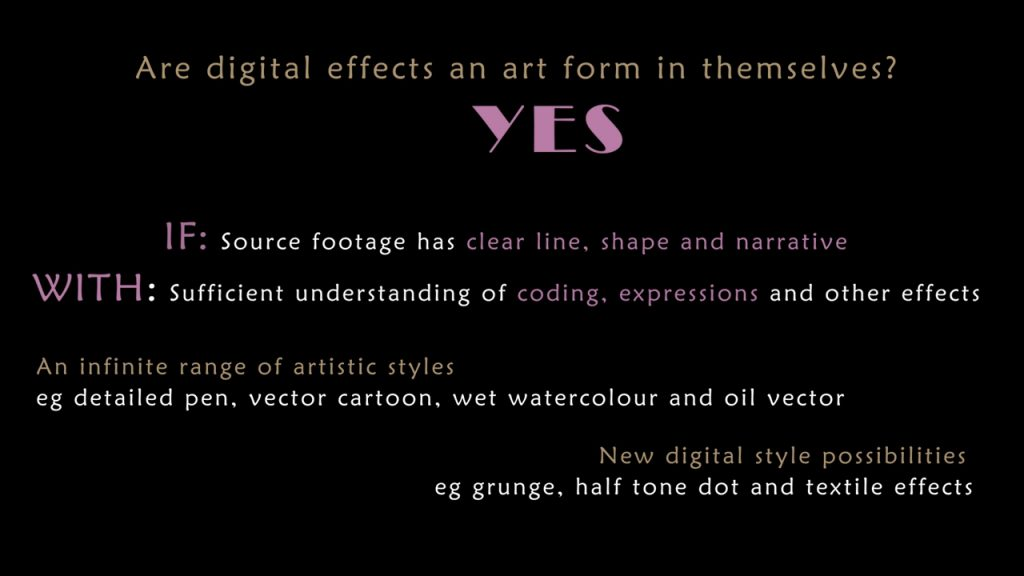
    Research overview padlets


    Made with Padlet


  • E4.5: Lockdown Glitches: Emergent Effects

    E4.5: Lockdown Glitches: Emergent Effects

    This project continues the theme of Lockdown in Aldeburgh.

    I wanted to capture the simultaneous bombardment of news information on the TV, becoming ever more alarming, but also very repetitive. And the mental disturbance this produced.

    Glitches are uncontrolled or unexpected happenings in time. They are a feature of contemporary culture eg music movies. Technically they consist of a number of simple elements that can be generated and carefully controlled in a range of software, including Photoshop, Procreate, Premiere and After Effects:

    • rapid frame breaks
    • colour shifts
    • displacement maps
    • accompanying audio

    But here I experiment with much more complex glitch effects in Creation Effects. These consist of multiple layers, each with multiple effects that are often generated with randomising code. For people with in-depth knowledge of After Effects, these can be controlled to produce an infinite number of specifically tailored glitches, tweaked on the timeline to give more or less precise effects for specific footage.

    Here I just use the effect presets ‘out of the box’ to generate random outcomes, and some interesting still images that I would never have conceived of through planning.

    TASK: As a starting point, research the work of Nikita Diakur, Silvia Kolbowski or Paul Sharits. Reflect on their creative approach, working process, tools and motivation.
    Extend this research by developing your own generative system to create your own test animations. For example, by testing out these artists’ approach within your own work. Take the opportunity to explore and challenge what is creatively possible with your choice of animation software or identify and test ‘uncontrollable’ elements in your work.

    “There should be some uncontrollable aspects of the work.”

    Silvia Kolbowski, A conversation with Sylvia Kolbowski (2014)

    “If you have two or three things moving in relationship to each other, lets say by chance, and they are cycling around, you can tell there’s going to be emergent effects that are going to happen.”

    Bruce Jenkins on Paul Sharits, Out of the Dark (2009)

    “Traditional computer animation is non-linear. The animator tweaks and adjusts everything by going back and forth between different states of the animation. Thus, he (sic) is in control of the outcome. When simulating, however, the animator gives up control by outsourcing several tasks to the computer. The computer executes these tasks based on calculations and outputs a linear simulation result. The animator interacts with the computer and is in control only to a certain degree. Animating like this feels like real-life filmmaking: Like a real actor, the computer follows the action set by the animator and produces results that are unexpected, realistic, broken and personal. Accordingly, the focus shifts from outcome to process. The animator is left with the challenge to find the right balance between staying in control and leaving room for randomness.

    Animation in Ugly is a combination of puppeteering and dynamic computer simulation and varies between physically accurate and broken. The Ugly characters are ragdolls built from interconnected dynamic body parts. To enable the characters to interact with the environment, the body parts are fixed to animated controllers via simulated strings.”

    Nikita Diakur on Ugly (2017) European Film Academy

    The movie files were too large to upload to WordPress. For the different experiments see the page on my SMUGMUG website:

    https://www.zemniimages.com/Tales-from-the-Edge-Visual-Communications-Portfolio-2022/Voices-that-will-be-heard-Aldeburgh-Suffolk/Journeys-from-a-Room-2020-Book-and-Moving-Image/Lockdown-Glitches-Moving-Image/


    Research on Glitch Effects


    Made with Padlet


    Research on Emergent Effects


    Made with Padlet


  • E4.4: Dog Dances: erasure, refocus

    E4.4: Dog Dances: erasure, refocus

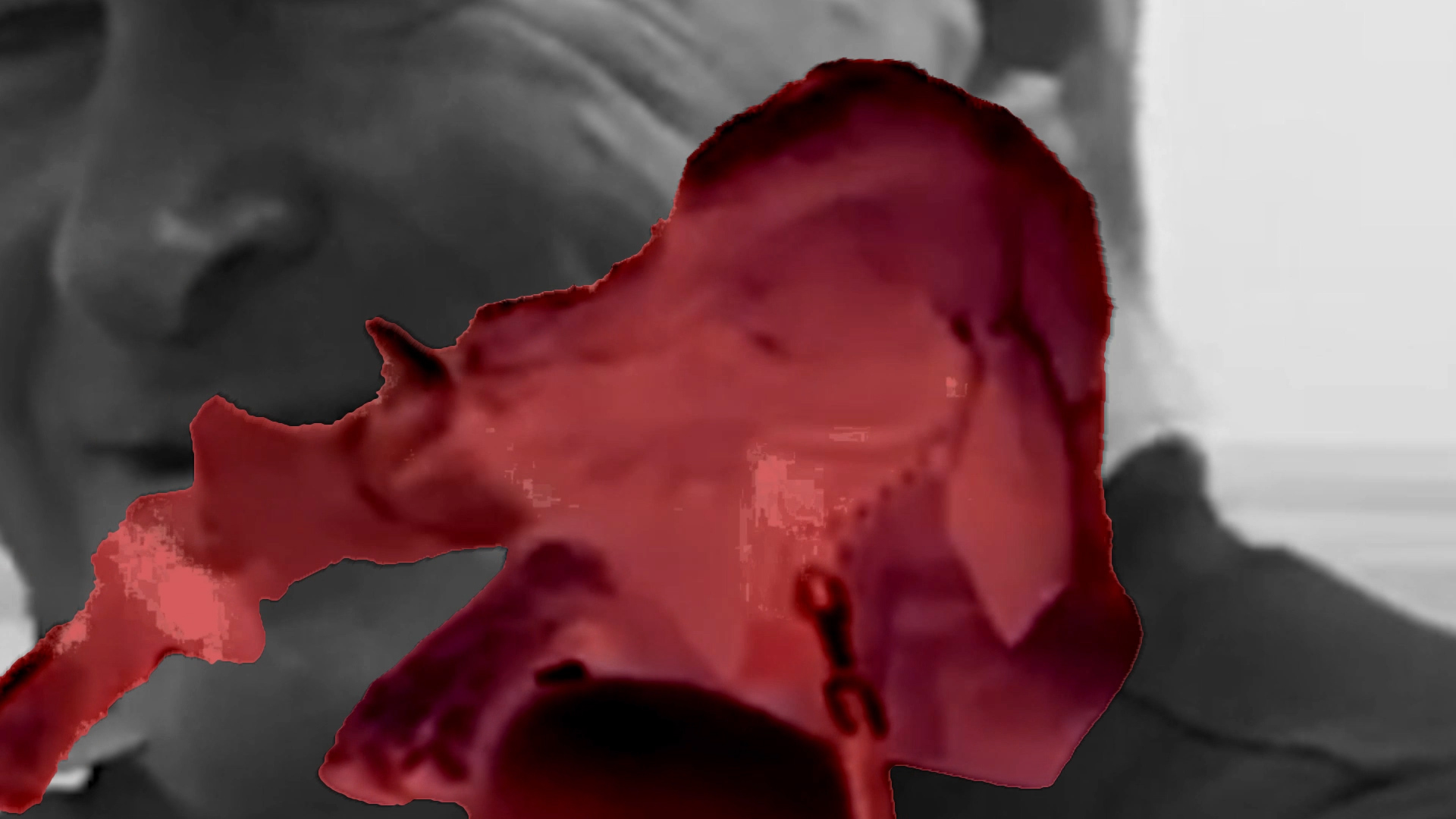
    For this project I selected an iPad clip of a woman and dog dancing at Aldeburgh carnival. I was interested in the interaction between the woman and dog, and how things might look if I showed just the dog writhing in space to music.

    The erasure process in After Effects was very difficult. Again because of low contrast in colour and tone between the woman and the dog, and the way in which their bodies were inter-twined. I first scaled the clip to eliminate too many distractions, and put the woman and dog always centre frame. This then allowed keying out of the light blue sky behind the two figures.

    Then I started to erase the woman. First I tried Mocha, but this was far too complex. So I returned again to Rotobrush which was more successful, but still quite choppy even with smoothing and fringe removal. So I blended the comp onto a red copy on a grey background to give a ghostly effect. This I experimented in three versions:

    • Red on grey background
    • Underlayering with a greyscale copy of the scene and people, scaled and positioned behind the dog.
    • Slowing down the time of both the video and audio.

    Of the three versions I like the strange effect this the best. I find the x-ray effect and slowed down sound quite intriguing, particularly the parts where the dog is licking the woman’s face.

    But my conclusion is that such complex footage really needed to be done manually frame by frame, either in Photoshop/Procreate or on analogue printouts. Or as rotoscoped animation. Preferably with footage specifically shot for erasure treatment. Though this was a good learning process.

    TASK:

    Use Pfeiffer’s method of animated digital erasure to change the meaning of a video you have made or one that you have found.
    You’ll likely need to use appropriate digital software and a travel or garbage matte for this (review the use of mattes in the previous project). Alternatively you could do the work by hand: printing each still and working on them (see previous project). You could also invent your own way of removing certain parts of the frame from sight.
    The duration of this video depends on its source and the meaning you are trying to convey.
    Upload your completed re-made video to your learning log along with any notes and preliminary sketches or photographs.

    Dog slow dance

    Erasure process and experiments

    Original iPad video clip
    Clip scaled and centred to remove unnecessary background.
    Using keylight effect to remove the background sky gives quite an interesting grainy texture.
    Erasure of the woman and blending the dog on red adjustment layer.
    Bringing back the sea background with people and passers by enlarged in greyscale.
    Dog on red adjustment layer with video and audio slowed down.

    Background Research


    Made with Padlet


  • E4.3: Lockdown Compressions

    E4.3: Lockdown Compressions

    This 1 minute video is a compilation of clips from a holiday room in Aldeburgh Suffolk during Lockdown in December 2020.

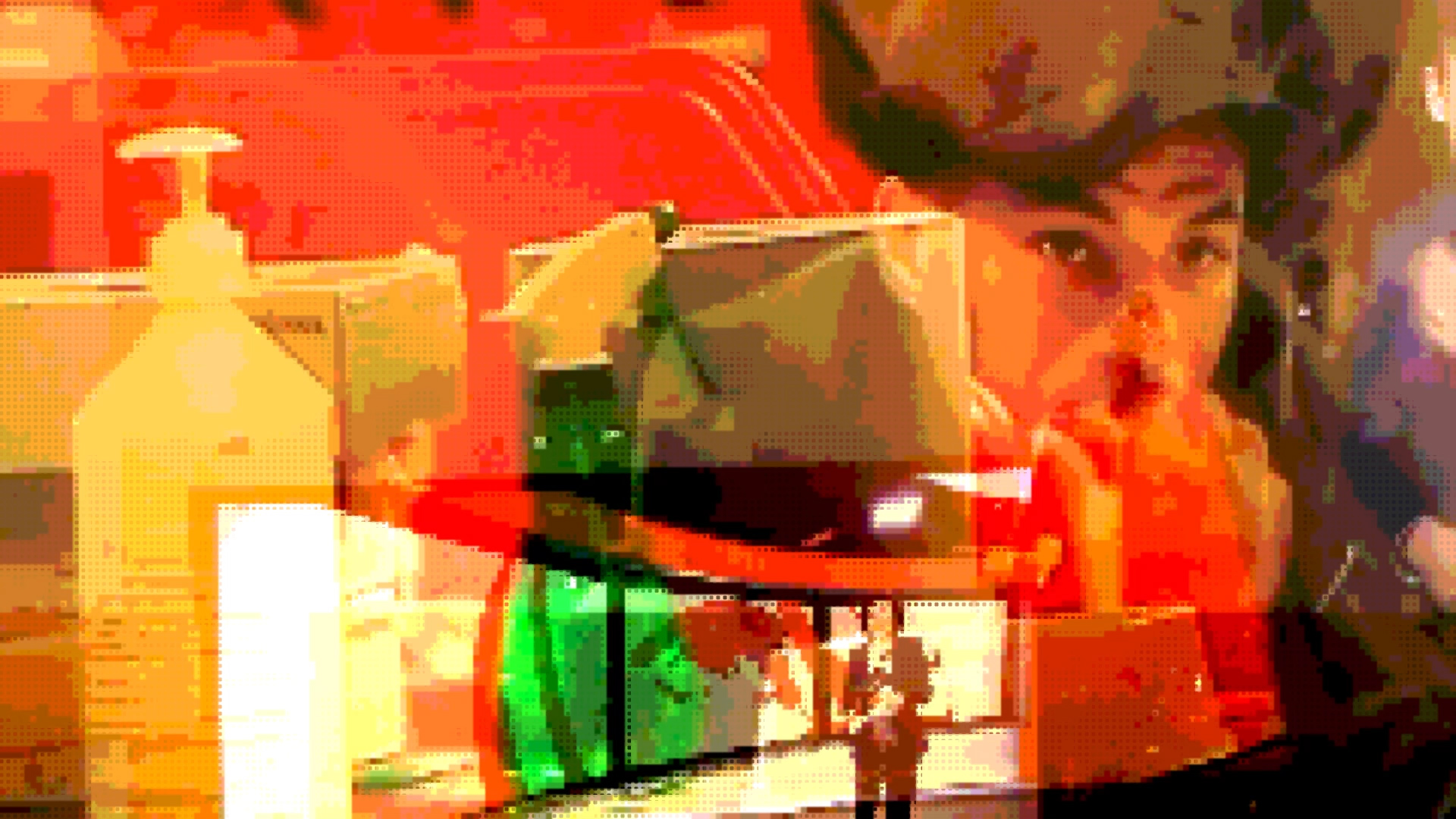
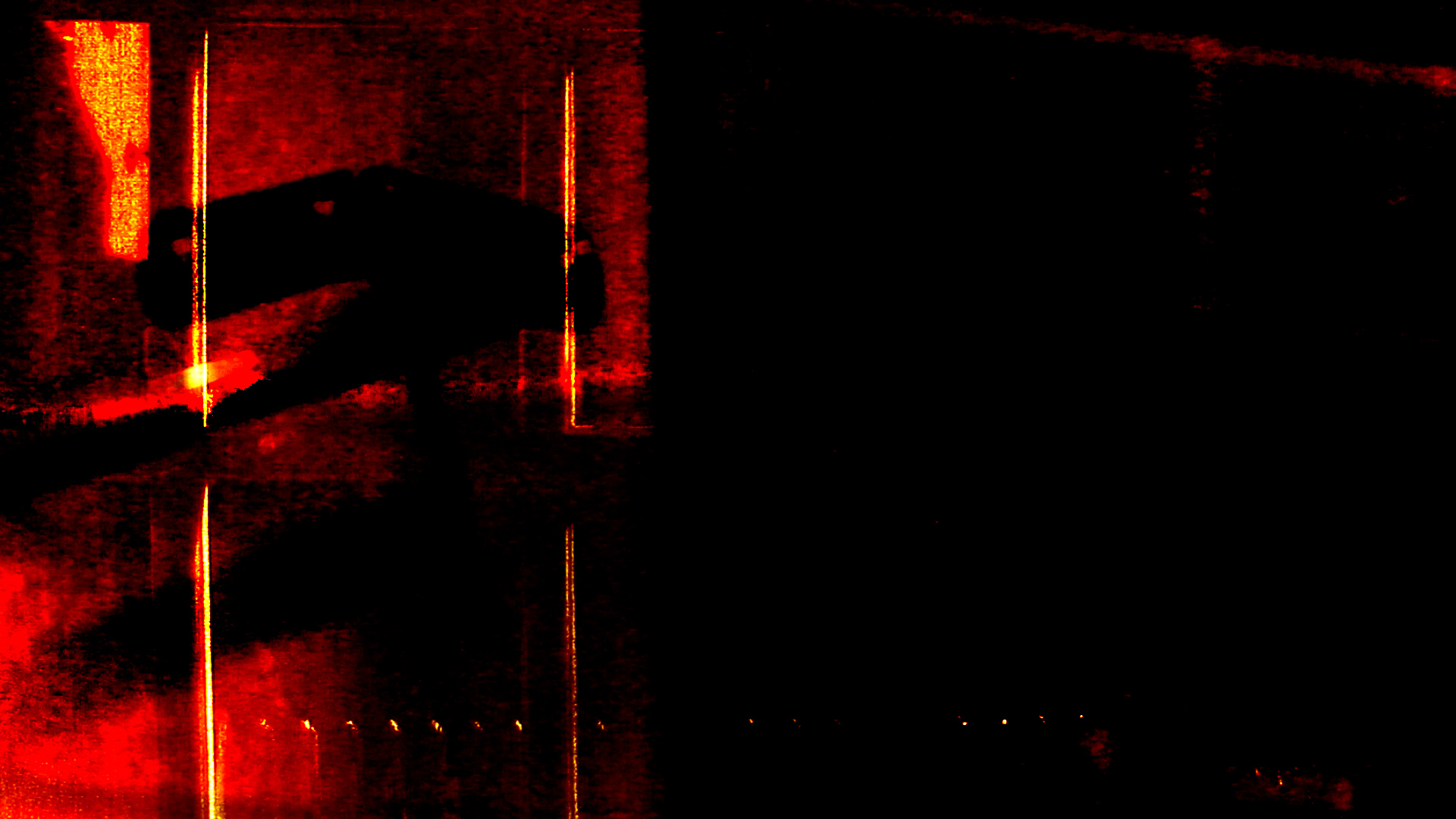
    The original footage of boilers at night and close-ups of items in kitchen and backroom were already very noisy and degraded because of low light levels. I layer these together with shots outside my window to give a sense of imprisonment and claustrophobia. Using blend modes to add the red almost explosive anger at being confined. Also I got an extremely bad cough because of all the traffic fumes coming under the door day and night on what was supposed to be a quiet road from town to the yachting club. Because of Lockdown everyone was using cars for short journeys and very few people were bothering to use masks.

    The Codec used here was for mobile device 6MB 480 which further amplifies the artefacts, and thereby the edginess of the clip. The audio though is also degraded and probably needs a bit more work. I did export higher bitrate and larger resolution versions as comparison, but these files are too large to upload on WordPress.

    TASK: Make a short animated video that uses the idea of compression as its basis/idea.
    This is an opportunity to experiment with lossy compression, or zooming into an image, making copies until they deteriorate, or inventing your own way of processing an existing animation. Be sure to reference your sources if using a found animation rather than one of your own.

    For further research, search for and read Cory Arcangel’s essay On Compression .

    https://coryarcangel.com/downloads/Cory-Arcangel-OnC.pdf

    Lockdown Compressions

    Background Research


    Made with Padlet


    Further applications of Compression to try

    I have always been rather worried by the ethical dimensions of Street Photography and more voyeuristic forms of documentary video without consent. Other ways of using compression would be to see whether and how I can capture the essence of life in a place through degrading footage and/or parts of footage so that the actual people are not recognisable. Going beyond the usual blurred/mosaic track mattes.

  • E4.2 Teeto times 2: Masks and Mattes

    E4.2 Teeto times 2: Masks and Mattes

    The video footage I chose was a short clip of ‘Teeto’, the cat next door.

    This is short clip is a preliminary part of a project ‘Quicktime Tales’ – a series of narrative vignettes for VisCom Sustaining Your Practice SYP work using sketchbook, experimental animation/video and creative writing about animals – wild and tame – in my garden.

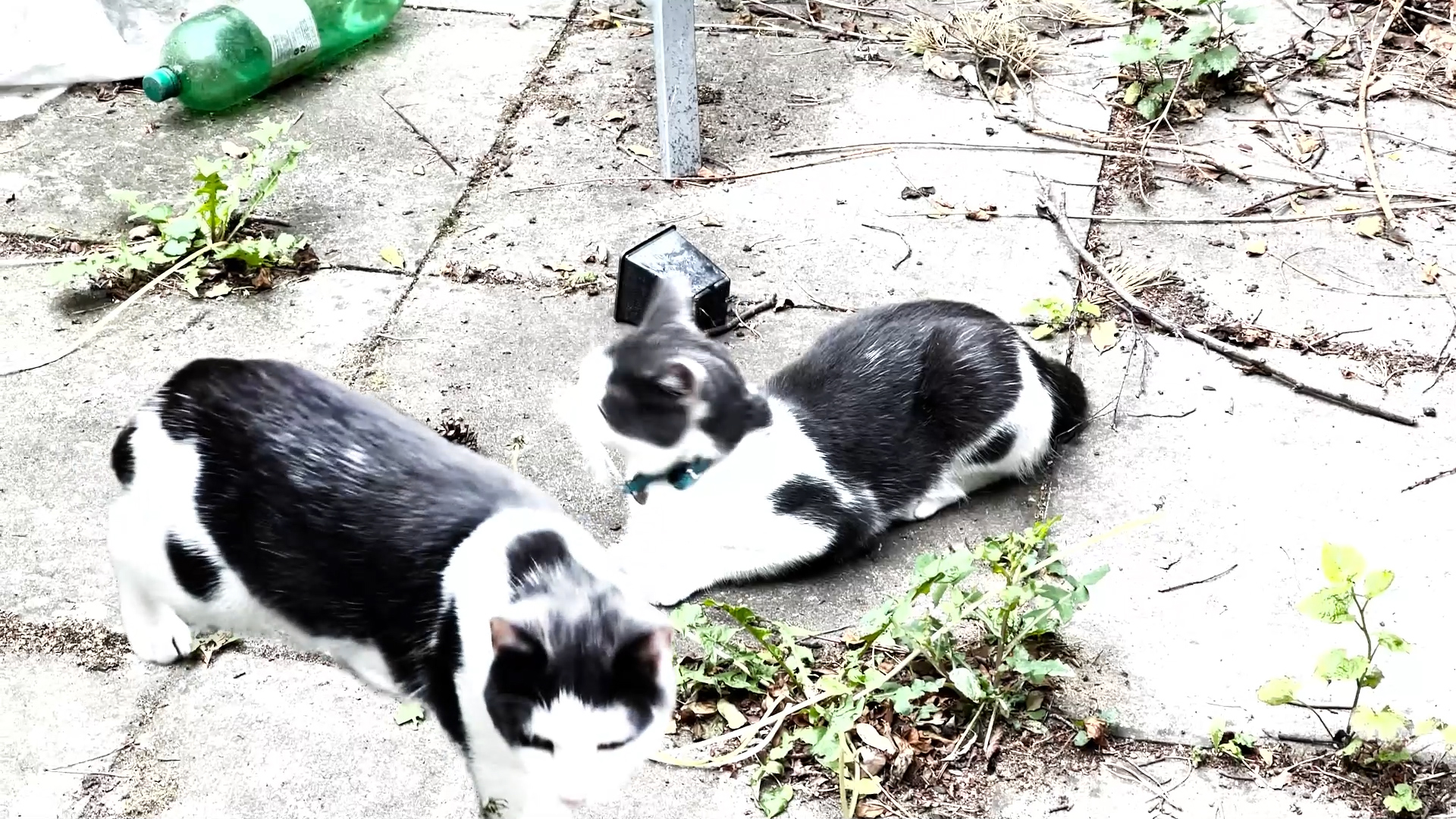
    The video here duplicates ands overlays one short iPhone video clip to produces ‘twin cats’ that interact. I used After Effects Rotobrush to extract the cat from a short clip. In order to facilitate the extraction I increase the contrast and sharpness of the original iPhone clip resulting in a bleached effect. I then overlay the clip in the foreground and horizontally flipped on top of an offset version of the original footage.

    I find the somewhat unnatural exact duplication of the cat and interaction produces a very eerie effect. I am planning to develop this short video further, combining elements of different videos to make a longer narrative.

    TASK

    Choose a piece of footage and an animation that you have produced for this course unit thus far. Combine elements from both of these into a single short film using basic compositing techniques. You are welcome to add other elements as well, such as still images and text, or to develop new footage to work with.

    The purpose of this exercise is for you to explore the use of mattes and other compositing techniques. You will need to access software that has the capacity for this, such as Adobe Premier, Final Cut Pro, Adobe After Effects, Nuke or others. At the very least you should be able to access layering and opacity with basic masking in programs like iMovie. All editing software has the capacity for basic forms of compositing.

    You may need to search for the appropriate tutorials online for your particular software. It is up to you how much you would like to use this exercise to learn new compositing skills but feel free to invent your own techniques, analogue or digital, to combine the two videos.
    Upload your compositing experiment(s) on to your learning log as well as a short reflection highlighting what you have learned.

    Creation Art Effects Black and White Duotone Effect.
    Creation Art Effects Charcoal Effect

    Mask produced with AE rotobrush. This is still a bit rough because I had to do it with a mouse. And was quite taxing on my RSI because of that. I am currently restricted by my hardware set-up and need to make myself a proper animation space to use my graphics tablet after an office move and computer upgrade.

    The application of Creation Art Effects templates for After Effects are quite interesting in the way image dissolves into chaos at the end. This is because the contrast between the shapes and the background is not high enough for clarity. This chaos and dissolve can be reduced through reworking the source video, possibly requiring some line rotoscoping. Or I could use the chaos more strategically for narrative effect. Something I want to experiment with further for SYP.

    See also further experiments in my overview of the Creation Art Effects templates in Assignment 4 of this module.

    Mask in AE Rotobrush.

    Research on Masks and Mattes


    Made with Padlet


  • E4.1: Compositing I: cinemagraph Sizewell apocalypse

    E4.1: Compositing I: cinemagraph Sizewell apocalypse

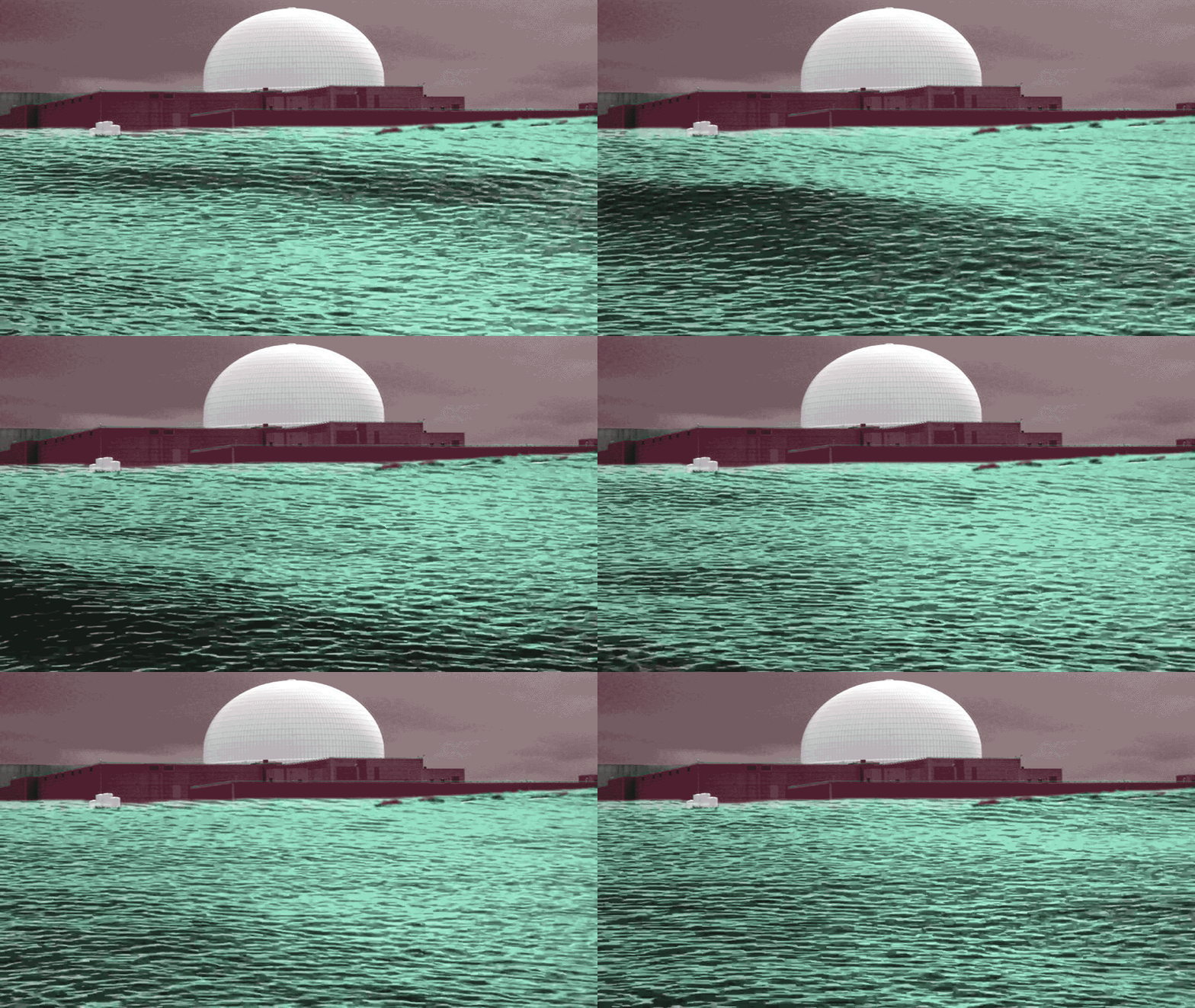
    This apocalyptic cinemagraph creates an imaginary scene from Aldeburgh on the Suffolk Coast.

    It was made in Photoshop through compositing a short video of waves and a much enlarged image of the ghostly dome of Sizewell B nuclear power station. I overlaid both layers with adjustment colours to enhance the sense of menace from a time when the rising sealevel might engulf the power station.

    TASK:

    A ‘cinemagraph’ or ‘living photograph’ is the conversion of a live action or
    animated scene into a still image with only select moving parts (that loop continuously).

    Using basic matte techniques, make a basic cinemagraph.
    You will need to shoot a short video, with a locked shot of a movement that loops so that the last frame is the same as the first frame. For example, a tap running or an object that moves from A to B and then to A again. Ideally, you will use Adobe Photoshop to create your cinemagraph as this is an exercise in learning matte/mask techniques. However if you cannot access this, or equivalent software, there are free software and mobile phone apps available such as Lumia Cinemagraph and Cliplets.

    Upload your cinemagraph and any research or other experiments to your
    learning log.

    Research on Cinemagraphs


    Made with Padlet